Before you switch to passkeys, make a recovery plan.
Understand where a passkey lives, what happens when you replace your phone, and how to try one without losing track of account recovery.
 AI-generated illustration
Start with the question a sign-in prompt does not answer
A service offers to replace a password with a passkey. The setup might take only a moment, but a useful first question is what you would do if your usual phone were unavailable tomorrow. This guide offers a planning worksheet and a small sign-in test. It is general education, not a guarantee about every provider. Keep the official instructions for your particular service beside you; account settings and supported recovery methods vary.
What a passkey changes
FIDO describes passkeys as credentials based on public-key cryptography. They are tied to the intended service, providing resistance to phishing through lookalike sign-in sites. Depending on the setup, you approve use with a device unlock such as a PIN or biometric check. The passkey is not the fingerprint itself. Synced passkeys can be available through a provider across devices, while device-bound passkeys stay with a particular authenticator. Neither description tells you the complete recovery process for the account.
Write down the storage location, not a secret
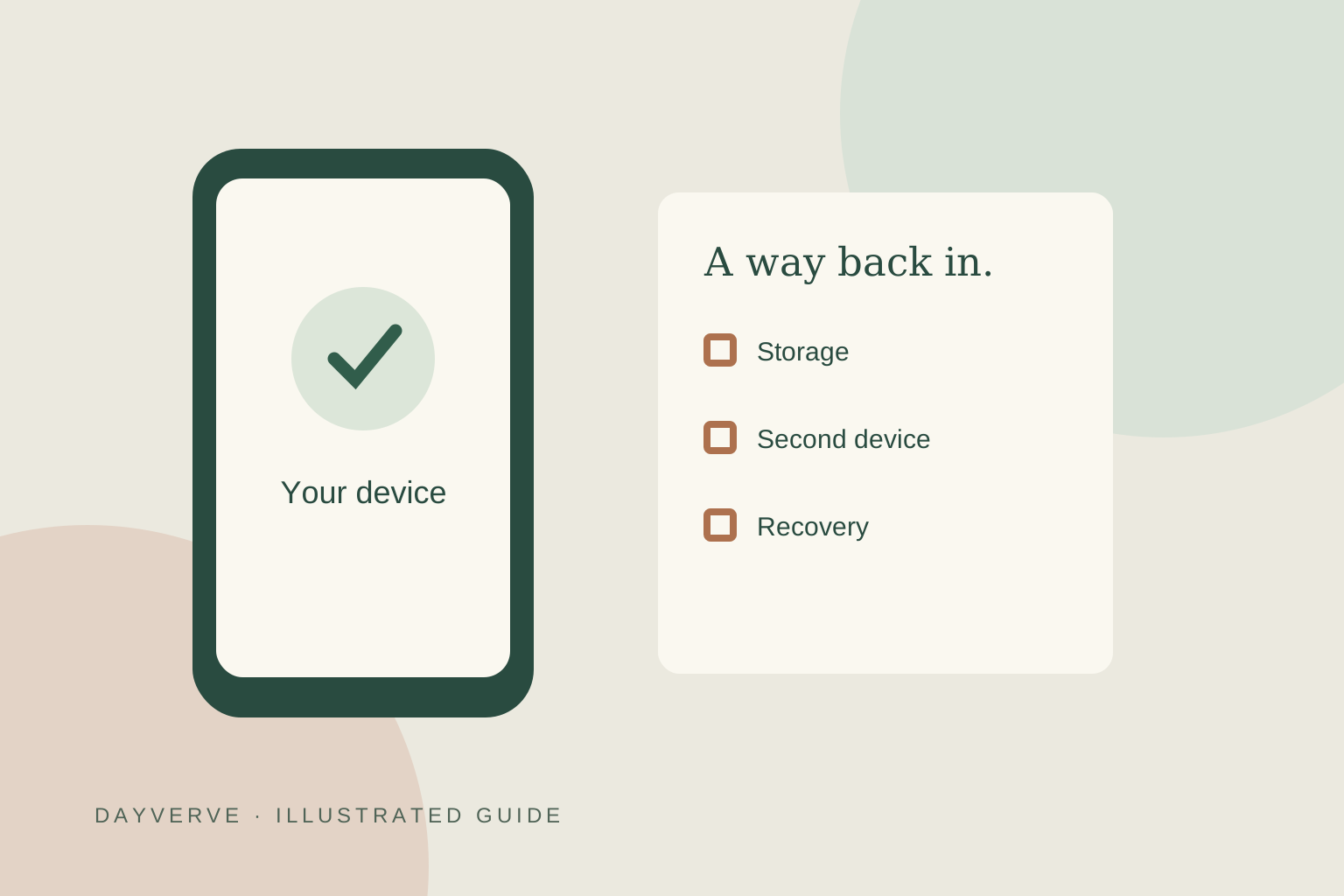
Make a note with three ordinary labels: service, credential provider, and device or security key. For an invented example, Maya might write: “Reading account; my chosen credential manager; personal phone and compatible laptop.” She should confirm that the laptop actually has access before treating it as a backup. This is an inventory, not a place for passwords, recovery codes, identity documents, or device PINs. If the setup screen names a different provider than expected, stop and identify it before continuing.
Separate a second device from an independent recovery route
Two devices can depend on the same provider account. That may be convenient, but they do not necessarily solve a loss of access to that provider. Sketch the dependencies on paper: “This device needs access to that account, which is recovered using this method.” A loop is worth noticing. For example, an email account that needs a phone, combined with a phone account recovered only through that email, deserves closer examination using both providers’ instructions. Do not assume that merely owning two screens creates two independent ways back in.
Try one account without removing its existing route
Choose a supported account you can already recover and a personal device you control. Open the service through a trusted bookmark or its known address, inspect the security settings, and read what adding a passkey changes. Google specifically says adding a passkey does not itself remove existing authentication or recovery factors. That is an example of one provider’s behavior, not a rule for every service. On Google, avoid creating a passkey on a shared device; someone who can unlock that device may gain access.
Use a second session for a modest test
Keep the working account session available while you open a separate browser session and attempt a normal sign-in using the new method. Check that you reached the intended account and recognize the credential provider. Record what happened in plain language: “Used my phone to approve the laptop sign-in,” for example. A successful sign-in demonstrates that route today. It does not prove account recovery would succeed after losing every device. Avoid deliberately locking yourself out to test a recovery theory.
Plan the next phone change before the old phone goes
Imagine Maya is replacing her phone. Before erasing the old one, her checklist is to confirm the new device can use the required credentials, verify recovery contact details through official settings, and check whether any credentials are tied to a physical security key or old device. The exact transfer steps belong to the provider’s current documentation. If a route is unclear, keep the working device available and ask the service for guidance before removing credentials. Convenience is useful only when you can explain the next step.
Keep a short account note
For each important service, answer: Where is the passkey stored? Which other device has been tested? What recovery method does the service actually offer? When was that checked? What must I do before replacing a device? Leave out secrets. Revisit the note when a device or provider changes. A passkey can improve the sign-in experience while still leaving you responsible for understanding the account around it.
 AI-generated illustration